Notion Habit Tracker: 6 Setups That Don't Collapse After Two Weeks
An honest look at habit tracking in Notion — what works, what quietly fails, and six setup patterns ranging from a 30-second checkbox list to a full database with rollups and views.
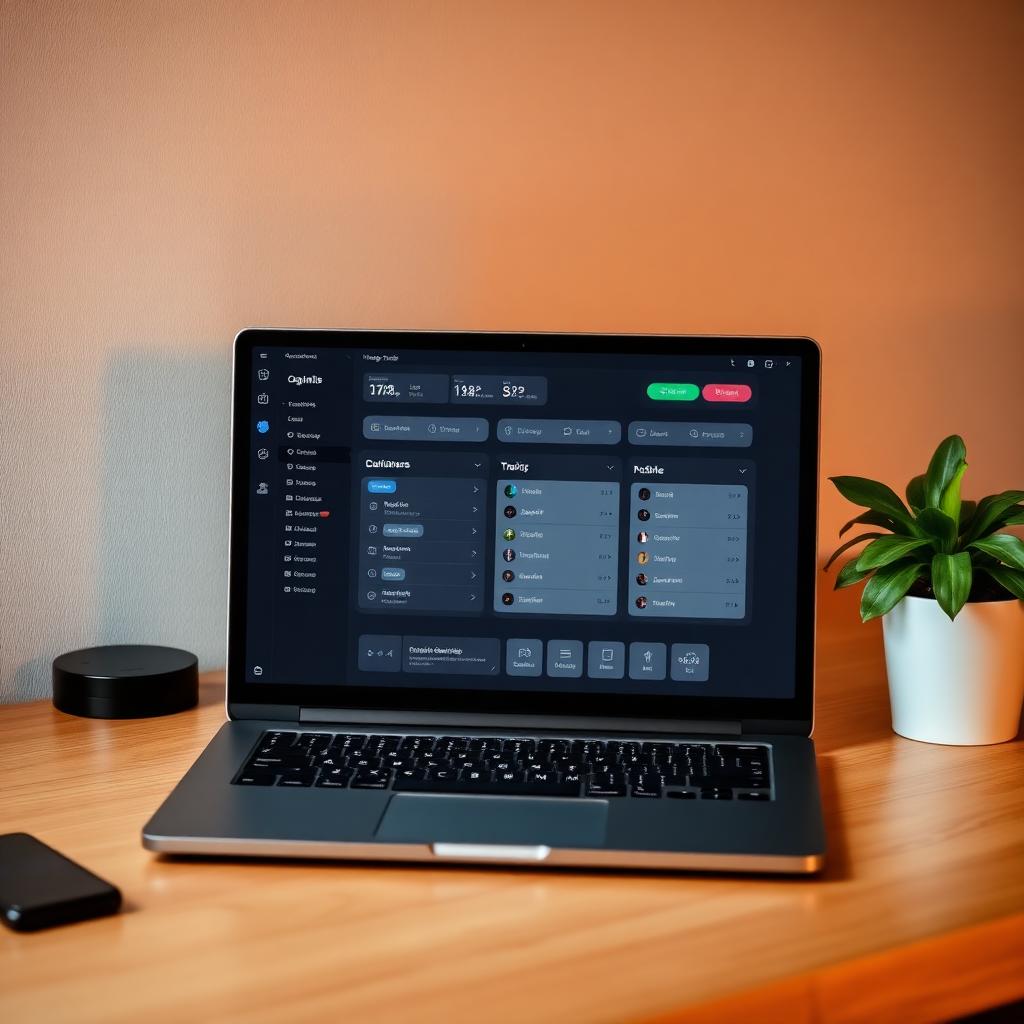
Notion habit trackers are an entire genre on YouTube. They look beautiful. They have icons and rollups and linked databases and a "Today" view that updates in real time. They also have a graveyard problem: the prettier the template, the faster most people abandon it.
This isn't because Notion is bad at habit tracking. It's because the templates people download are usually optimised for the screenshot, not the daily 20-second log. The setups that actually survive are simpler than the popular ones — closer to a clipboard than a dashboard.
Why most Notion habit trackers fail by week three
Three reasons. First, the friction. Opening Notion, finding the page, scrolling to the right week, clicking the right checkbox — it's small, but it's enough. The daily friction budget for a habit log is roughly five seconds. Most Notion templates blow that by an order of magnitude.
Second, the absence of nudges. Notion doesn't ping you at 9pm to ask if you meditated. It sits there politely. For habits that aren't already nearly automatic, that's fatal.
Third, the design tax. A beautiful template is a project. You'll spend two evenings setting it up, three evenings tweaking it, and lose interest before the habit ever forms. The setup has become the habit, and the actual habit is just a side effect.
None of this means Notion is the wrong tool. It means the right Notion setup is the one that respects those three constraints.
Setup 1: The 30-second checkbox list
One page. A bulleted list with a checkbox in front of each habit. At the end of the day, you check the boxes. The next morning, you uncheck them. There's no database, no view, no automation. There's no streak counter and no chart.
This is the setup I quietly recommend to anyone who says "I want to use Notion." It works because it's almost zero friction and impossible to over-design. If you stay with it for a month, you'll know whether Notion is the right home for the habit. If you don't, you've lost nothing.
Setup 2: The weekly toggle
One page per week. Inside it, a toggle for each day with checkboxes for each habit. At the start of each week you duplicate last week's page. At the end of the week, the toggles are a small archive of what happened.
Best for people who like visible progress without graphs. Adds about thirty seconds per week of overhead.
Setup 3: The simple database
One database. Properties: Date, Habit, Done (checkbox). One row per habit per day. A filtered view called "Today" that shows only today's rows. A second view called "This Month" that shows everything in a calendar.
This is the lightest setup that gives you any data you can actually slice. You can filter by habit, count completions, look at the month. It's also where most templates start. Don't add a third view yet.
Setup 4: Database with weekly rollup
Setup 3, plus a second database called "Weeks" with a relation to the habit log. Use a rollup to count completions per habit per week. You now have a weekly summary view without doing any arithmetic.
This is the upper limit of useful complexity for most people. If you find yourself wanting more, the answer is almost never "more Notion." It's "a dedicated app."
Setup 5: Daily journal with embedded checkboxes
If you already use Notion for a daily journal, add a small habit section at the top of each daily page. Pre-fill the habits in your daily template so they appear when you create a new page. Check them off as you write.
Best for people whose Notion habit already includes a journal. The tracking piggybacks on an existing ritual instead of competing with it.
Setup 6: The "review only" hybrid
Track in an app — anything fast, low-friction, with notifications. Use Notion only for the weekly and monthly review. Copy the numbers in. Write the reflection. Move on.
This is honestly the setup most heavy Notion users land on after a year. The app handles the moment. Notion handles the thinking. Each tool does what it's good at.
What to skip
Skip linked databases with three levels of relation. Skip formula properties that compute streak length. Skip the dashboard with eight charts. Skip anything that requires you to open a sidebar to log a habit. If a setup looks like a NASA control panel in the YouTube thumbnail, it will look like that in your life too — for about eleven days.
Honest comparison: Notion vs a habit app
Notion wins on: customisation, ownership of data, integration with the rest of your Notion life, and zero recurring cost beyond what you already pay. It loses on: notifications, one-tap logging on mobile, pattern detection, streak protection, and any kind of coaching.
For a habit you already nearly do — the kind where the only missing piece is a small visual record — Notion is fine and a database is overkill. For a habit you're genuinely trying to build, a dedicated app like HabitPal will almost certainly outperform any Notion setup, because it solves the friction and the nudge problem that Notion isn't built for.
The good news is you don't have to choose. Use the app for the daily moment. Use Notion for the weekly review. The combination is more powerful than either alone.
Read next
For non-Notion alternatives, see Habit Tracker Template. For the Google Sheets route, Habit Tracker in Google Sheets.
Ready to build the habit?
HabitPal is the gentle AI coach behind every article on this blog.