Habit Tracker Template: Notion, Google Sheets, Printable — and What Each Is Actually Good For
An honest comparison of habit tracker templates across Notion, Google Sheets, and printable formats — including when each shines and when each quietly fails.
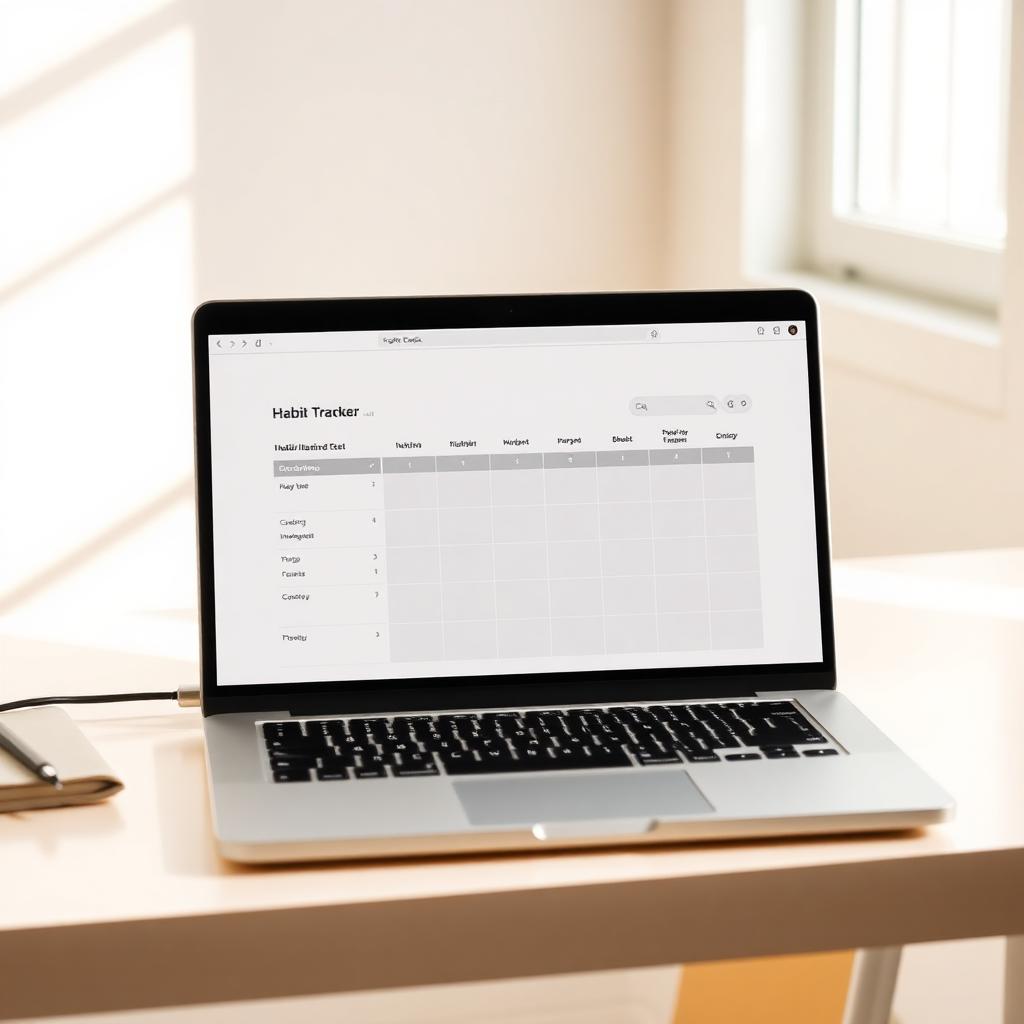
"Habit tracker template" is one of those searches where the top results all show you the most aesthetic version of each format and conveniently don't mention what they're terrible at. This guide takes the opposite approach: honest trade-offs, who each one actually fits, and how to set up a version that won't die in three weeks.
The four template formats that matter
Despite the thousands of options, there are really only four meaningful categories: printable PDFs, spreadsheet templates (Google Sheets or Excel), Notion databases, and dedicated habit apps. Everything else is a variation of one of these. Each one has a specific job it does better than the others.
1. Printable habit tracker template
What it's good for: The first 14–30 days of a new habit. Single-habit deep focus. People who already journal on paper. Anyone whose phone is a distraction trap.
What it's bad for: Tracking more than five habits. Anything where you want to spot patterns over months. Anyone who travels frequently. Anyone who hates feeling guilty about a stack of half-finished printouts.
How to set one up well: One sheet per month. Habits down the left (max five). Days 1–31 across the top. Pre-print three months at once and clip them to a board where you can't miss them. Use a single colour, not seven highlighters.
2. Google Sheets habit tracker template
What it's good for: People who genuinely enjoy spreadsheets. Tracking habits with numeric values (steps, hours, glasses of water). Anyone who wants to graph trends over time.
What it's bad for: Friction. Opening a spreadsheet on your phone to tap an "x" is fifteen seconds of pure annoyance. You will skip days for no reason other than the form factor.
How to set one up well: A column per habit, a row per day, conditional formatting that fills the cell green on a check. Add a sparkline column at the right that shows the last 14 days. Pin it as a bookmark, not buried in Drive. Build a simple weekly summary row that tells you the truth even when daily check-ins drift.
3. Notion habit tracker template
What it's good for: People already living in Notion. Linking habits to projects, goals, or journal entries. Layered systems where habits are part of a bigger life dashboard.
What it's bad for: Mobile check-ins (Notion mobile is slow). Speed of any kind. Anyone whose Notion workspace already feels like a museum of abandoned templates.
How to set one up well: A single database with three properties: habit name, date, completed (checkbox). One view filtered to today. One calendar view. Resist every urge to add formulas, rollups, related goals, and aesthetic icons. The minimal version is the one that survives.
4. Dedicated habit tracker app
What it's good for: Daily check-ins that take less than two seconds. Multiple habits. Reminders. Pattern detection. Anyone whose phone is already in their hand all day.
What it's bad for: Notification fatigue (if the app is badly designed). Aesthetic customisation. Tracking unusual or one-off metrics most apps don't support.
How to set one up well: Start with three habits. Turn off all notifications except one daily check-in reminder. Use streaks as information, not pressure — a broken streak is data, not failure.
The honest decision tree
If you're brand new to habit tracking: Start with a printable template. The visibility and tactile feedback matter more than any feature.
If you live in spreadsheets already: Google Sheets. You'll actually open it.
If you live in Notion already: The minimal Notion template. Do not download the 600-block "ultimate habit dashboard" — it's where habits go to die.
If you want the lowest-friction long-term option: A dedicated app. The two-second check-in is the difference between a habit that compounds for a year and one that fades after a month.
Why HabitPal exists in this list
HabitPal is the dedicated-app option built specifically for the people who tried the other three templates and watched them collapse. The setup takes about two minutes, the daily check-in is a single tap, and an AI coach handles the parts of the system that humans reliably abandon — adjusting schedules when life gets hard, surfacing patterns across weeks, and quietly rebuilding momentum after a slip.
You're not picking between paper and an app, really. You're picking between a tracker that needs your willpower to stay alive and one that survives the weeks when you don't have any to spare.
Read next
For what to actually put in your template, see Habit Tracker Ideas. For weekly-specific layouts, Weekly Habit Tracker.
Ready to build the habit?
HabitPal is the gentle AI coach behind every article on this blog.